
English
Appearance
Completely reverse engineered map data handling, decoding and rendering for live and multiple saved map support with all features provided with the official App.

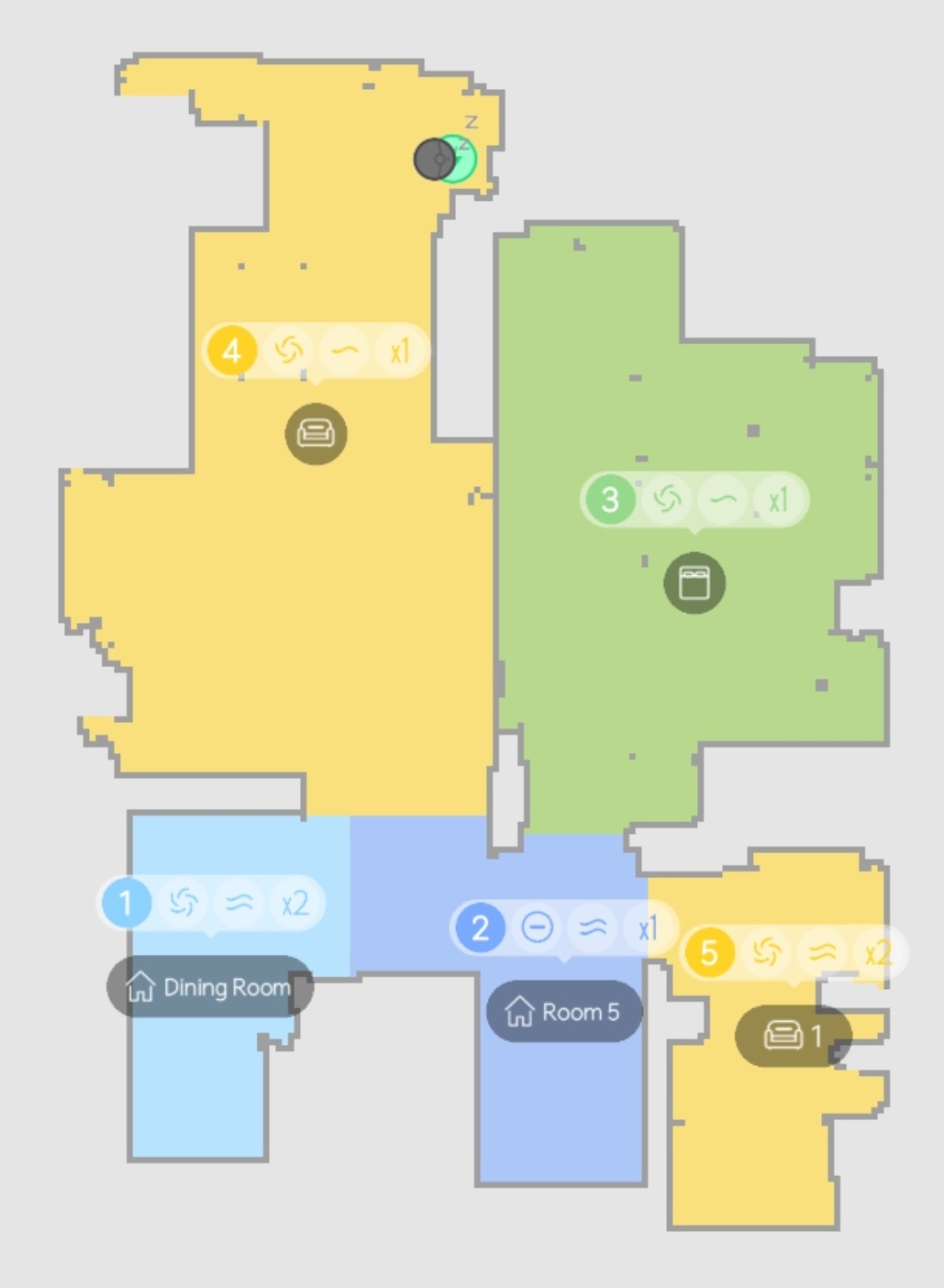
How to view the map and control the device from the dashboard
The integration features advanced map decoding capabilities to deliver a high refresh rate with low latency, closely matching the official app's performance. It seamlessly processes incoming data streams to support the standard three-second refresh rate found on most devices, as well as the faster one-second refresh rate introduced with 2026 and newer models.

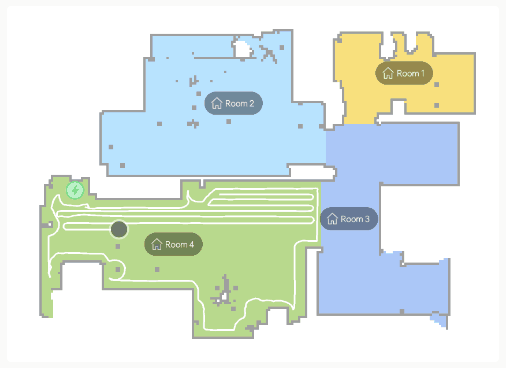
Map Decoding Complexity
Modern devices transmit partial map updates (P-frames) that contain only the incremental differences from the previous frame. Decoding these differential frames is a highly complex process, but it is necessary for achieving real-time updates. By independently handling this logic, the integration avoids the heavy overhead and arbitrary time limitations of requesting full maps continuously.
The integration provides multiple built-in color schemes, allowing users to customize the visual style of both live and saved maps to best fit their dashboard design.

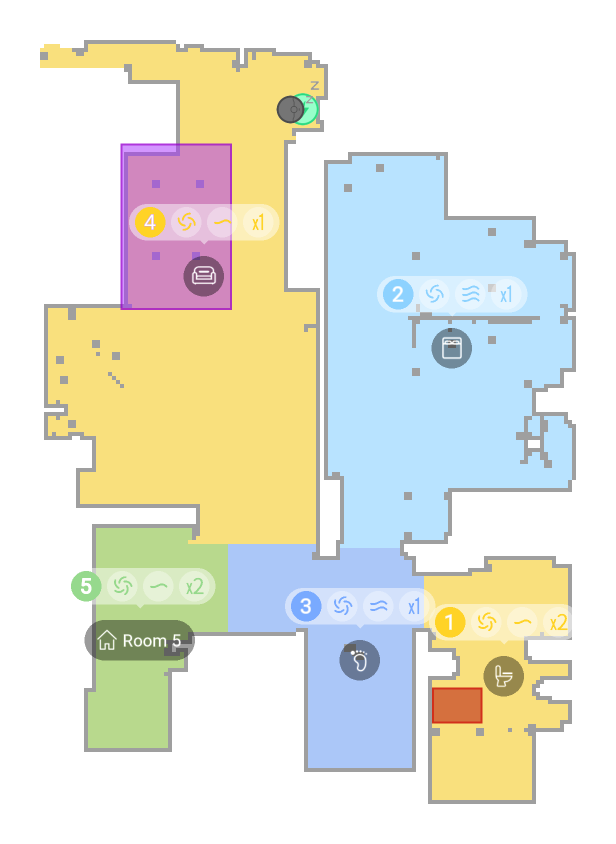
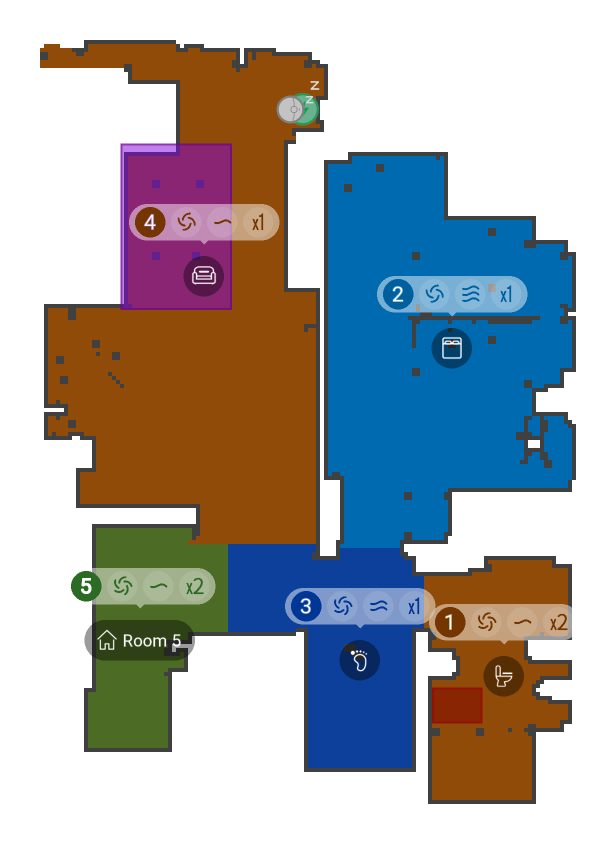
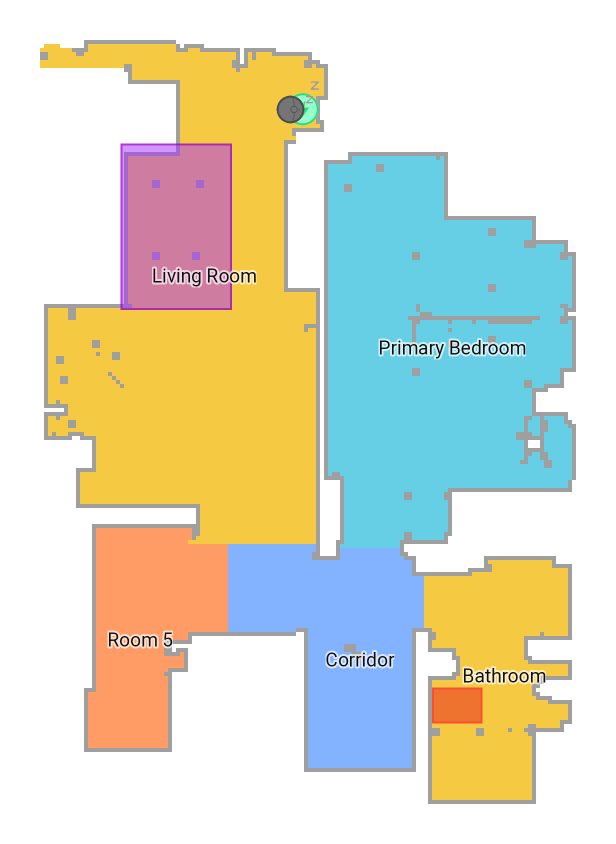
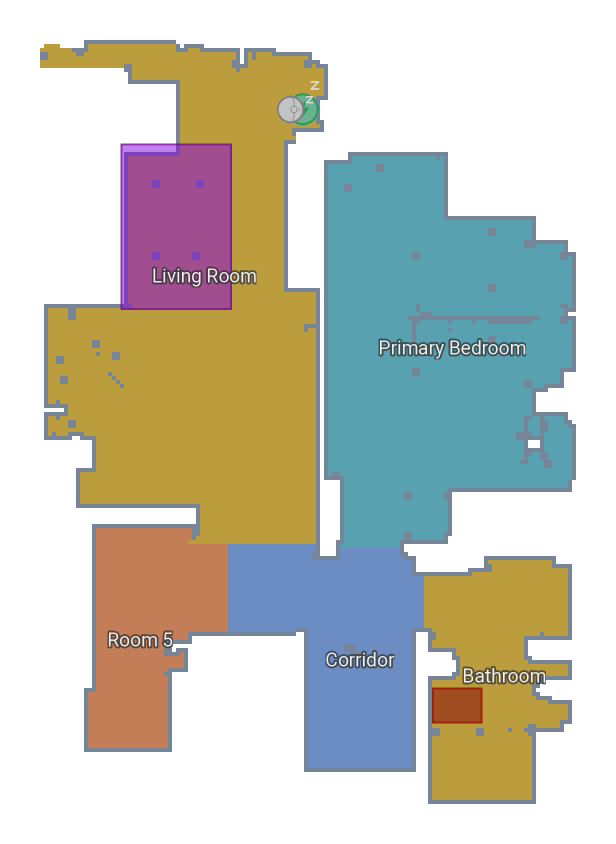
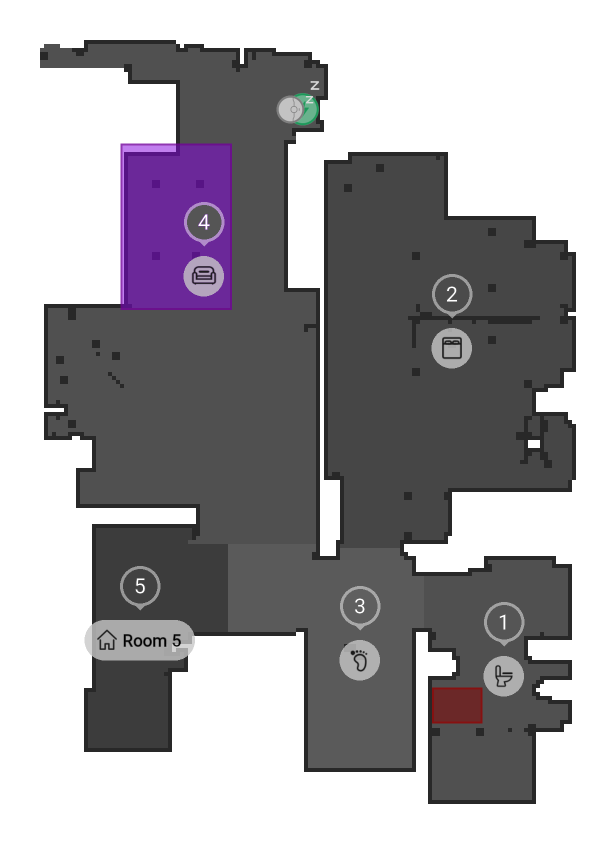
The active color scheme for a specific device can be changed at any time from the Color Scheme configuration option.
The map renderer dynamically generates and overlays a comprehensive set of room-specific icons, labels, and badges to reflect the device's current customized cleaning settings in real time. These dynamically rendered elements include:

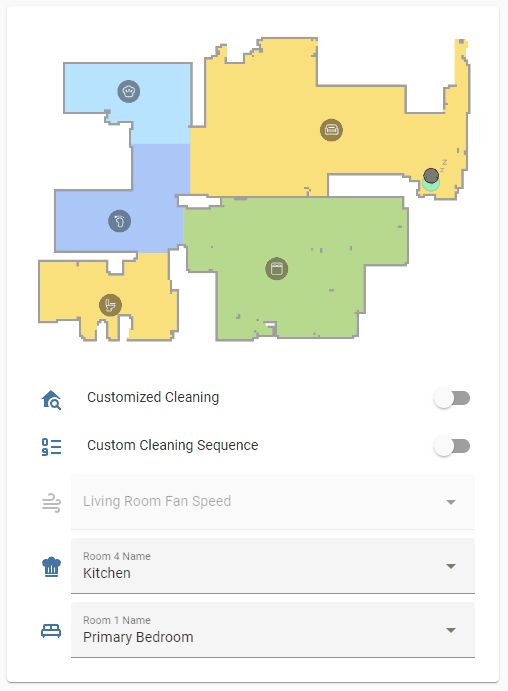
Any of these room-specific elements can be selectively hidden from the generated map at any time via the Hidden Map Objects configuration option.
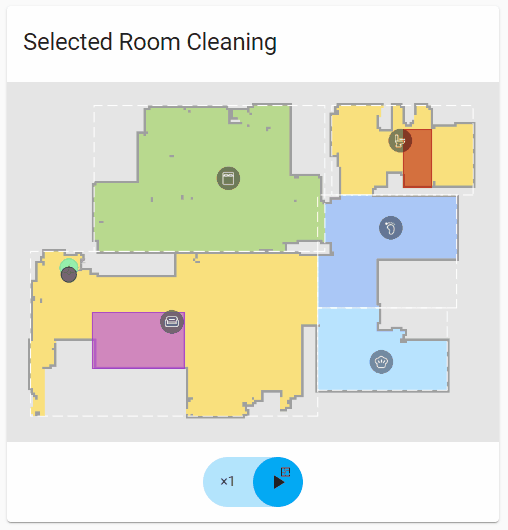
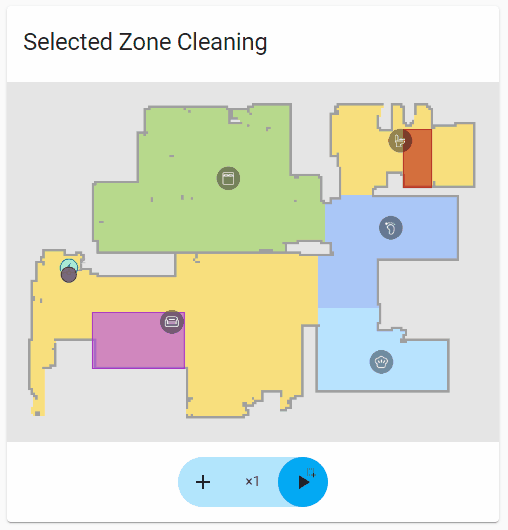
The visual elements displayed on the map, including room colors, active icons, and other objects, change dynamically depending on the robot's current job type (e.g., room cleaning vs. zone cleaning) to accurately reflect the active task.

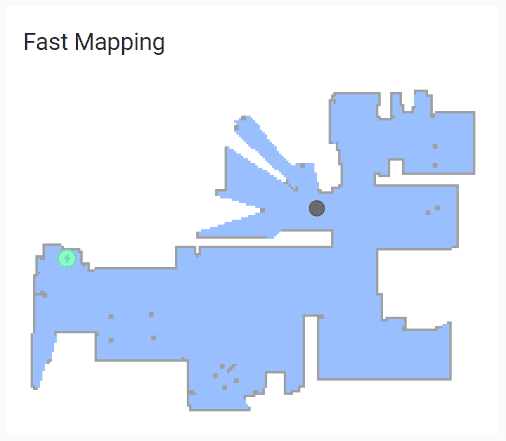
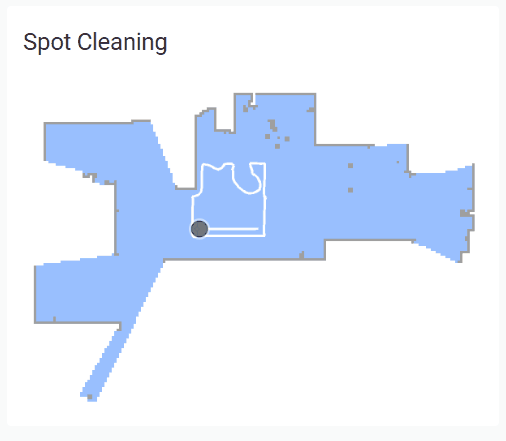
The integration can parse and render unsaved, temporary maps in real-time. This includes dynamically drawn maps during fast mapping operations or spot cleaning tasks initiated directly via the physical button on the robot.
Temporary Map Handling
When the robot is fast mapping or spot cleaning, it creates a new temporary map in its memory and does not respond to local map_request API actions. Because these newly created maps do not have an object name yet, they can only be accessed via the cloud map_data property. New map data requires entirely different decoding and rendering rules, making this integration uniquely capable of handling this type of map data.

When a mapping job is completed but the device has reached its maximum saved map limit, the robot will pause and wait for your decision on whether to overwrite an existing map or discard the newly generated one. The integration provides a dedicated Notification to alert you when a temporary map is discovered and waiting for an action.
Vacuum icon overlays for displaying device state, matching the official App's conventions.
Sleeping | Idle | Active | Charging | Error |
|---|---|---|---|---|
  |  |  |  |  |
TIP
Warnings are clearable via notifications or clear_warning service for restoring robot state on map.

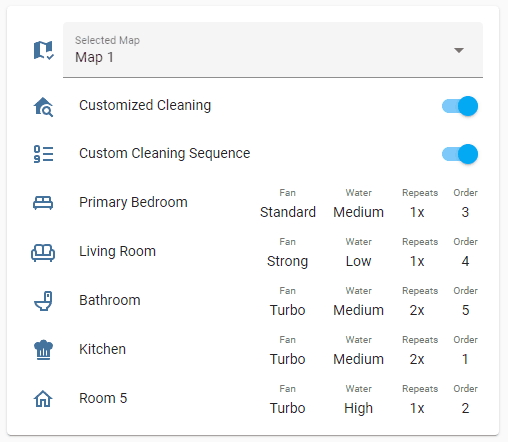
The integration exposes dynamic room entities for managing all customizable properties of a room, such as its name, floor material, and customized cleaning settings. These entities are dynamically generated from saved maps and update automatically when the selected map changes.