
English
Appearance
The integration exposes dynamic room entities for managing all customizable properties of a room, such as its name, floor material, and floor material direction. It also provides entities for configuring customized cleaning settings per room, which the robot automatically uses during cleaning jobs when the customized cleaning feature is enabled.

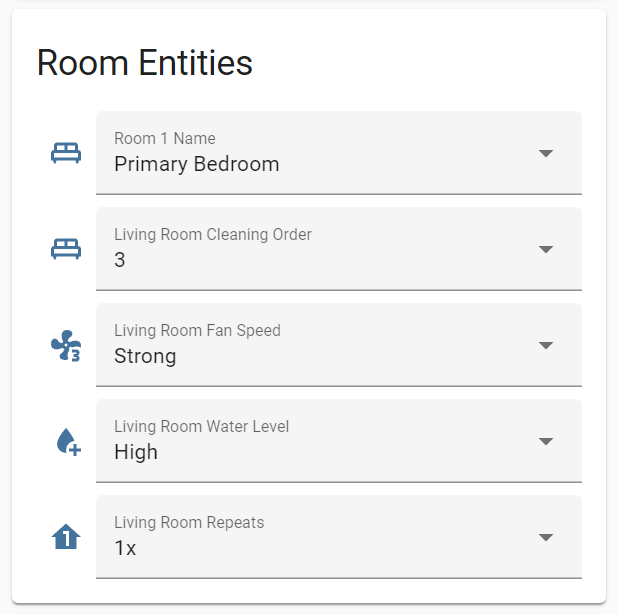
Room entities are dynamically generated from all saved maps and are only available when using a cloud connection. Their names and icons automatically adapt based on the room's custom name or type.

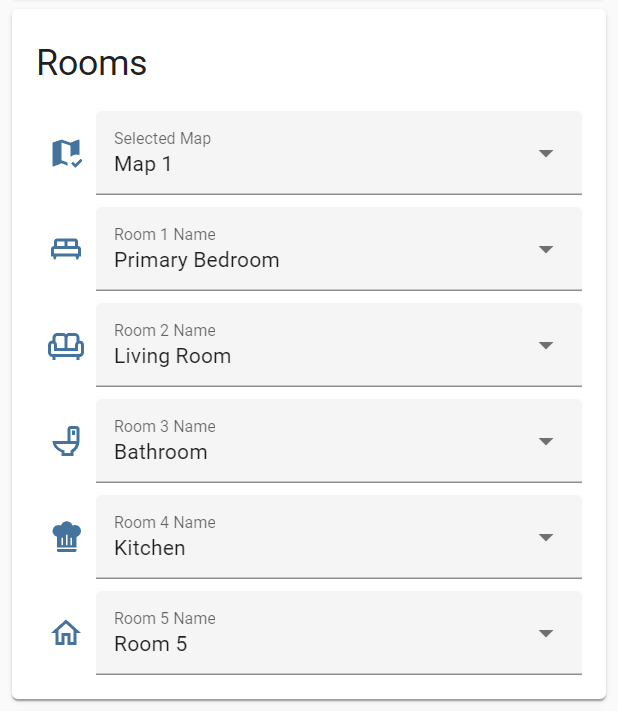

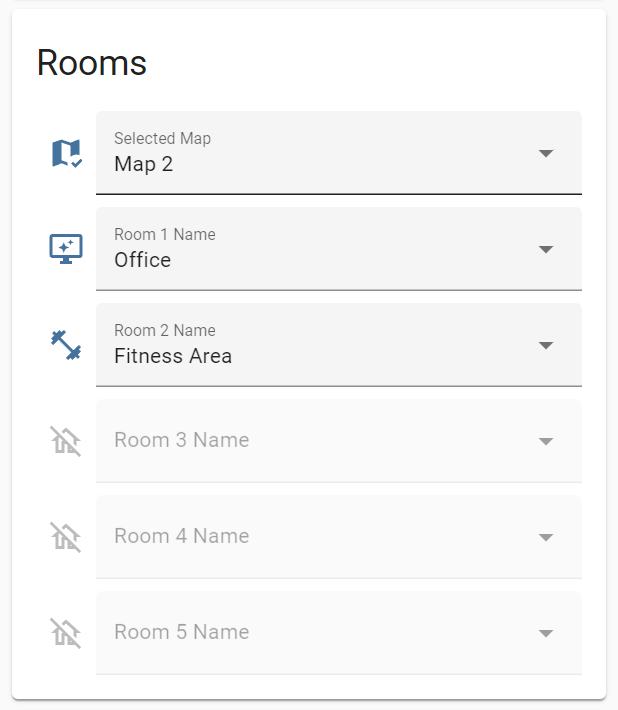
For multi-floor setups, the integration shares room entities across all maps and updates their availability state according to the currently selected map.
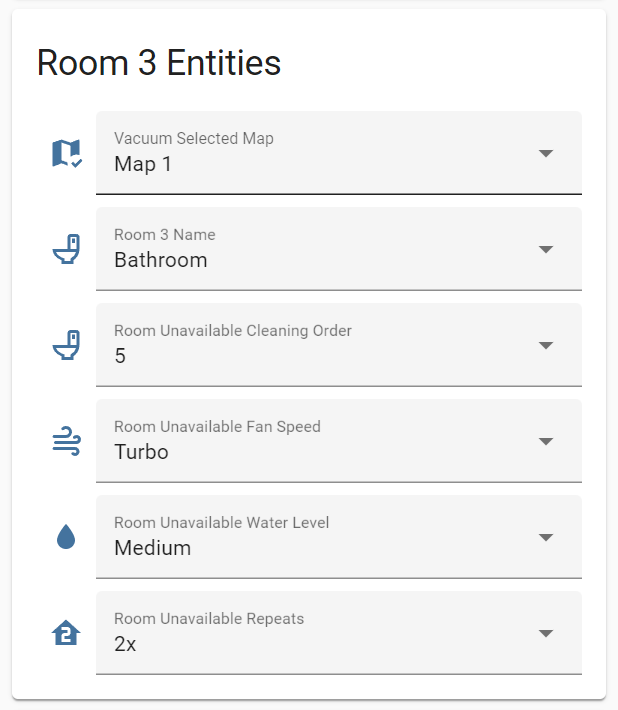

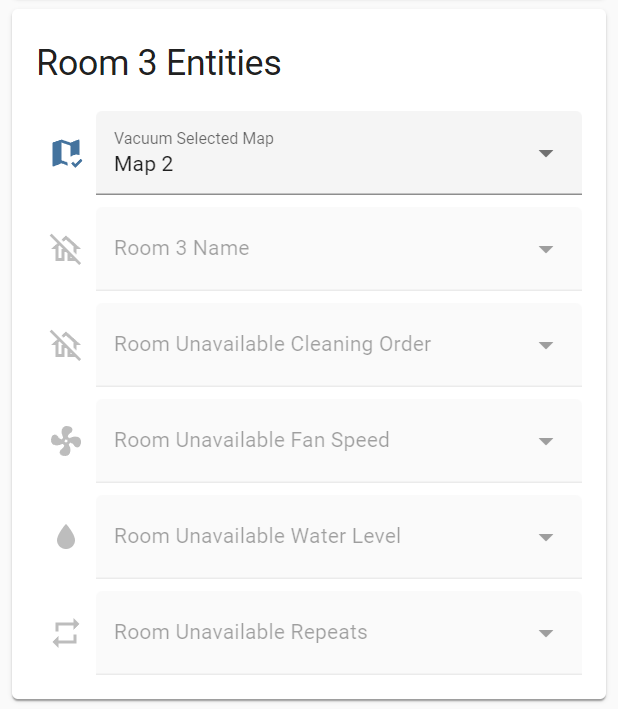
While entities from all floors are exposed, only the settings for the currently selected map can be edited. Overriding entity names manually in Home Assistant is not recommended, as they are designed to update dynamically when the active map changes.
NOTE
The customized_cleaning and custom cleaning sequence settings are not available on devices with older firmware versions.
Generated room entities follow this naming schema:
[domain].[vacuum name]_room_[segment id]_[room entity name]
| Name | Description | Notes |
|---|---|---|
name | Room name from predefined types or current custom name | Unavailable when room does not exist on the current map |
cleaning_mode | Cleaning mode of the room (Sweeping, Mopping, Sweeping and mopping) | Unavailable if customized cleaning is disabled |
suction_level | Suction level for the room | Unavailable if customized cleaning is disabled |
water_volume | Water volume for the room | Available on vacuums with water tank and unavailable if customized cleaning is disabled |
mop_pad_humidity | Humidity level of the mop pad for the room | Available on vacuums with self-wash base and unavailable if customized cleaning is disabled |
cleaning times | Cleaning times of the room | Unavailable when a cleaning job is active or customized cleaning is disabled |
order | Cleaning order of the room | Unavailable when a cleaning job is active or cleaning sequence is disabled |
cleaning_route | The navigation pattern used during cleaning of the room | Available on devices with cleaning route feature and unavailable if customized cleaning is disabled |
custom_mopping_route | The navigation pattern specifically used when mopping is enabled for the room | Available on devices with custom mopping route feature and unavailable if customized cleaning is disabled |
mop_pressure | The amount of downward pressure applied to the mop pads while cleaning the room | Available on devices with mop pressure feature |
mop_temperature | The target temperature of the mop pads during cleaning of the room | Available on devices with mop temperature feature |
mop_type | Mop pad type to use for the room | Available on devices with auto-change mop feature |
floor_material | The type of floor material in the room | Available on devices with floor material feature |
floor_material_direction | Clean along the direction of the floorboards in the room | Available on devices with floor direction cleaning feature |
visibility | Visibility of the room on the map | Available on devices with segment visibility feature |
| Name | Description | Notes |
|---|---|---|
wetness_level | The target moisture level for the mop pads during mopping of the room | Available on devices with wetness level feature |