
English
Appearance
Cleaning and cruising history maps can be displayed via Current Map entity camera proxy.

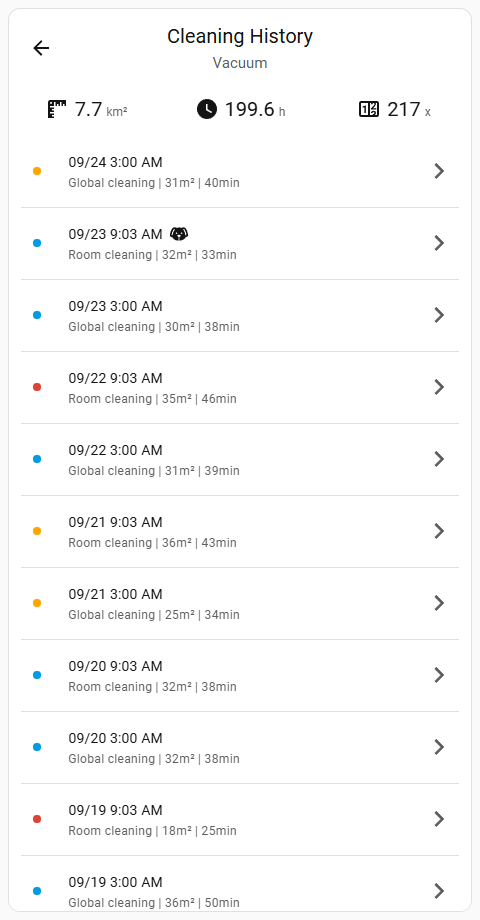
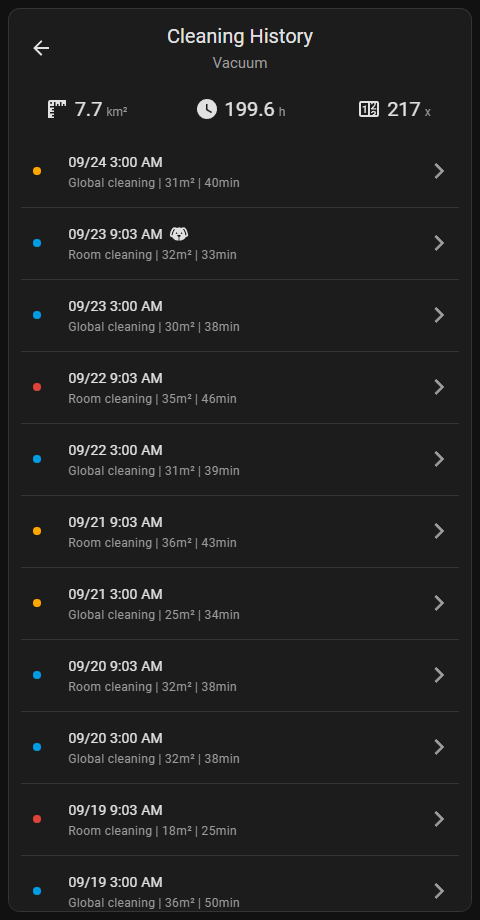
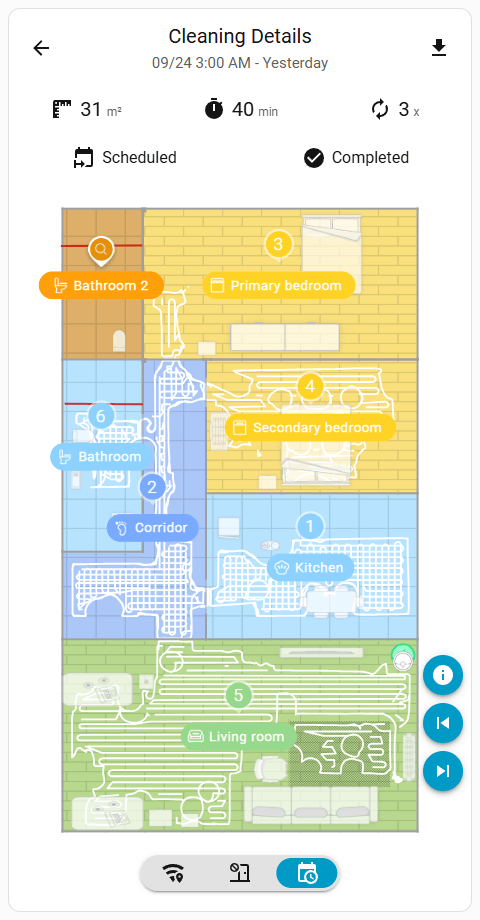
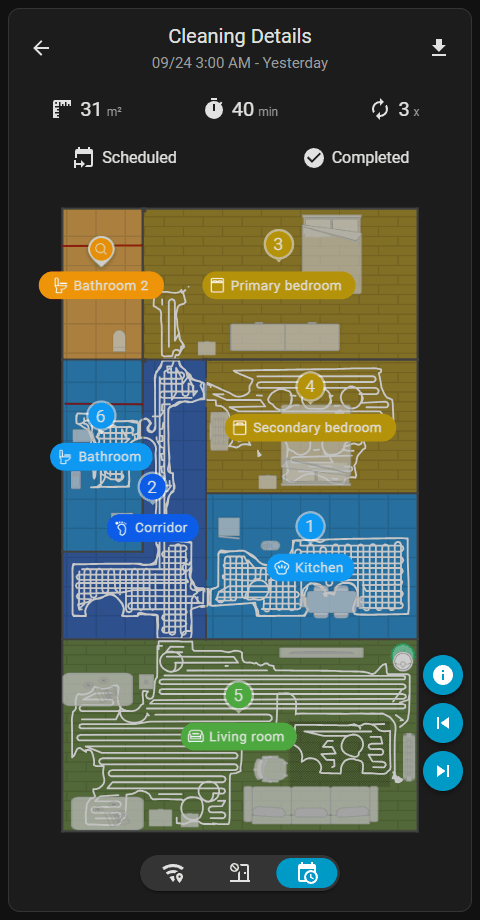
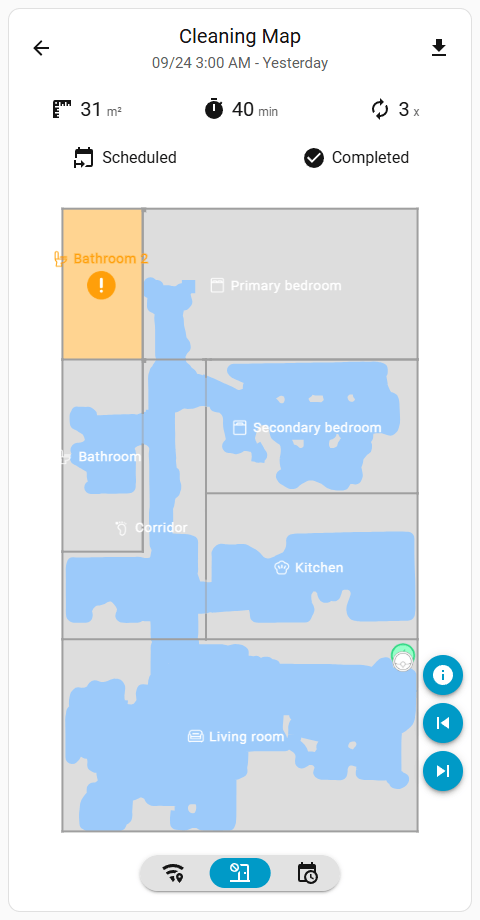
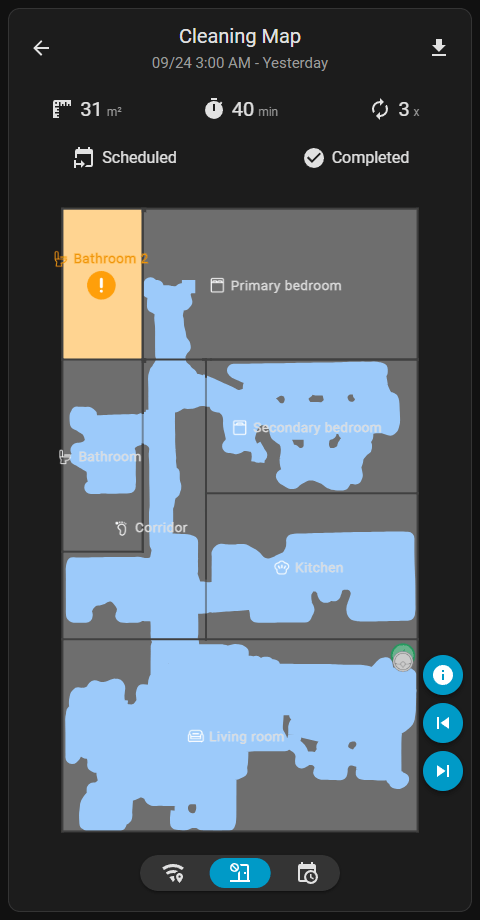
Previews are provided by Dreame Vacuum Card
/api/camera_history_map_proxy/{entity_id}?token={access_token}&index={history_index}&cruising={is_cruising_history}&info={info_text}&dirty={dirty_map}
camera.{vacuum_name}_map)camera.{vacuum_name}_map entity attributes)sensor.{vacuum_name}_cleaning_history entity attributes)TIP
Returns 404 if the requested history map does not exists.
Example:
http://local.homeassistant/api/camera_history_map_proxy/camera.vacuum_map?token=5df93cfcf8ecc23fa17b233ca938cc52f41e2b17a46ca291865be3f9ba64d89b&index=5Dashboard Example
To see an example of how this endpoint can be used, refer to the Cleaning History Card and Cruising History Card on the Custom Card Templates page.