
English
Appearance
After the integration has been successfully installed, the device must be added to Home Assistant. This process is done through the Home Assistant Devices & Services settings.
If the My Home Assistant integration is enabled, the configuration flow can be started directly by clicking the badge below:
Add integration toIf the My Home Assistant integration is not enabled, the integration can be added manually through the Home Assistant interface:
Dreame Vacuum and select it from the list.
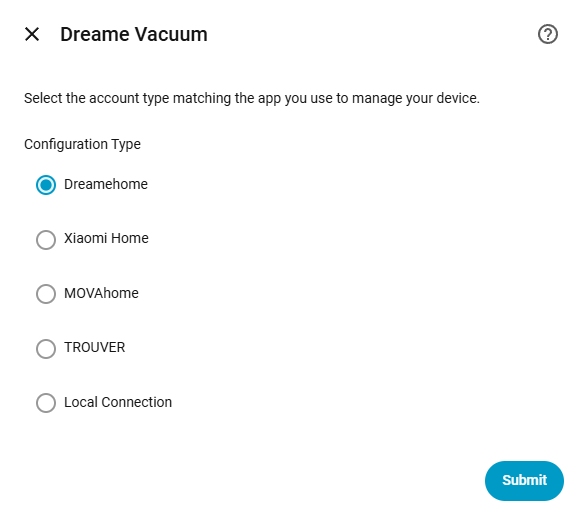
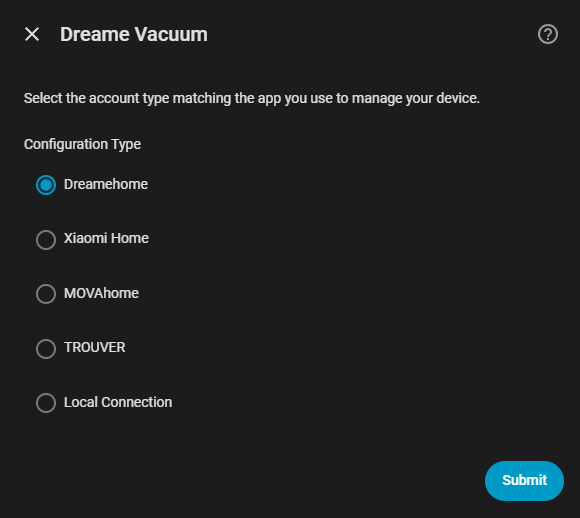
Configure the integration using a Dreamehome account to manage devices connected to the official Dreame app.
Configure the integration using a Xiaomi Home account to manage devices registered within the Xiaomi ecosystem.
Configure the integration using a MOVAhome account to manage supported vacuums.
Configure the integration using a TROUVER account to manage supported vacuums.
Connect to the vacuum directly via IP address and token without relying on cloud connectivity. This method is only applicable for devices released before 2022 and configured with Xiaomi Home.