
English
Appearance
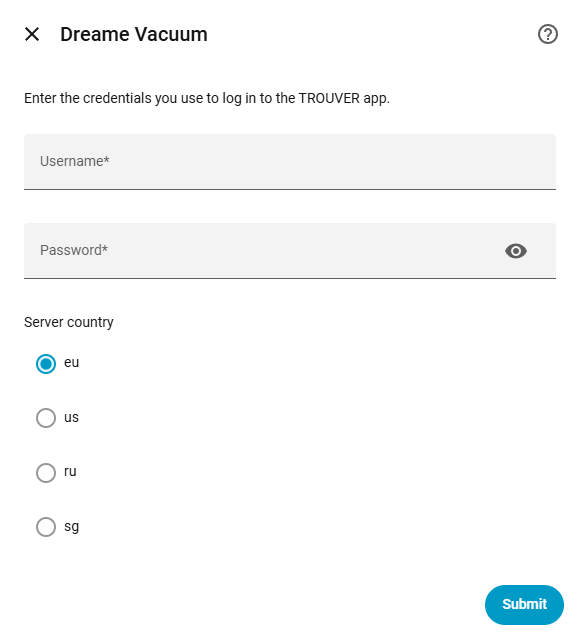
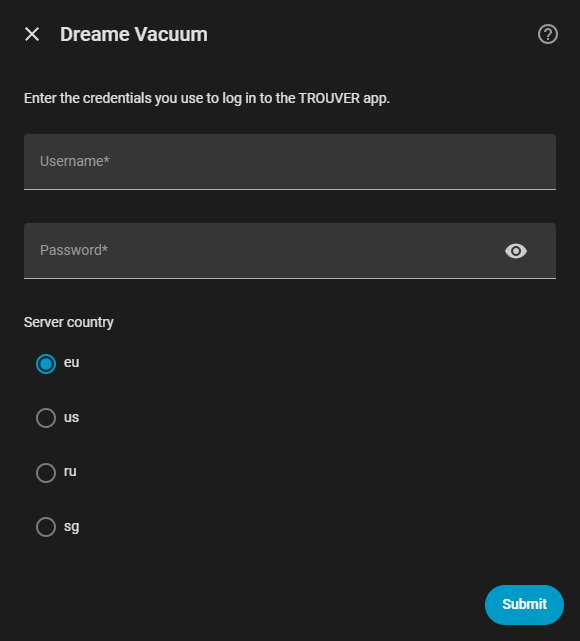
This method should be used if the robot vacuum is currently managed via the TROUVER application. To ensure compatibility, it can be verified against the official TROUVER app available for iOS and Android.

Requirements
Third-Party Logins
If the account was created using a third-party service (such as Google or Apple), a dedicated password must be generated within the application's user settings first. Third-party account passwords cannot be used for authentication.
This connection method utilizes Cloud Push for state updates while the device is idle, eliminating the need for continuous background polling. Periodic requests are only sent to the servers when the device is actively running (e.g., cleaning or returning to dock) to ensure real-time accuracy.
The integration securely stores an authentication token after a successful login to communicate with the cloud servers. If this token expires or is invalidated by the cloud service for any reason, Home Assistant will automatically trigger a re-authentication flow, prompting for the account credentials to be entered again.