Skip to content

How to Use ​

Because this is a backend integration, it does not provide native frontend UI components. Instead, all visual interactions rely on Home Assistant's Lovelace dashboard.

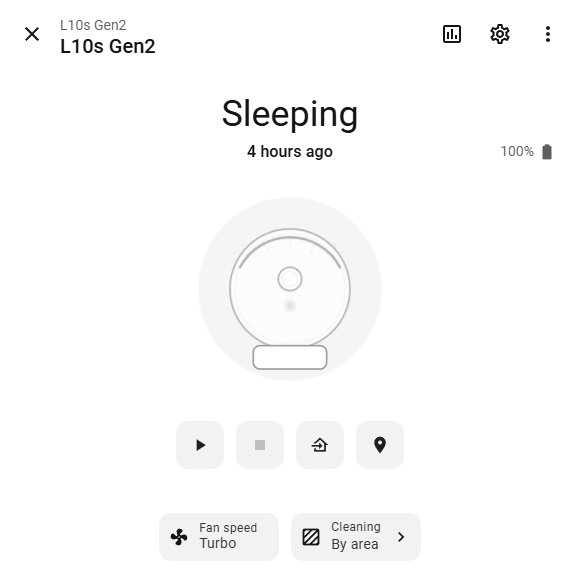
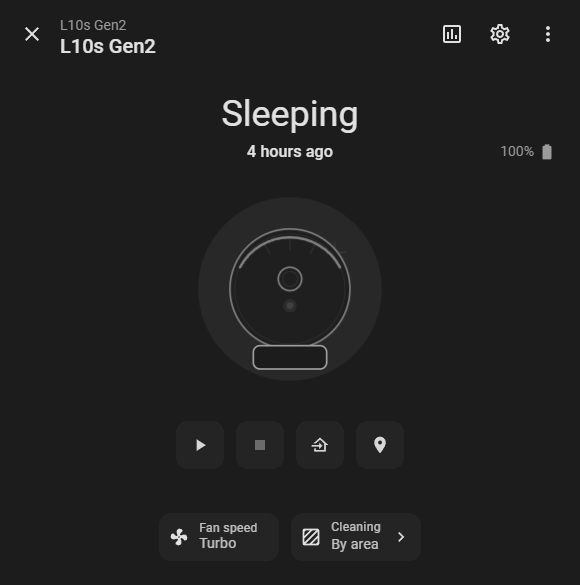
Vacuum EntityVacuum Entity
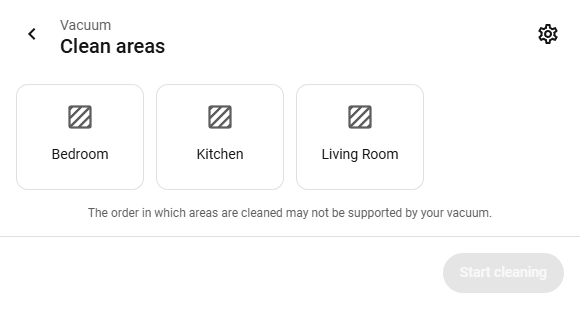
Clean AreaClean Area

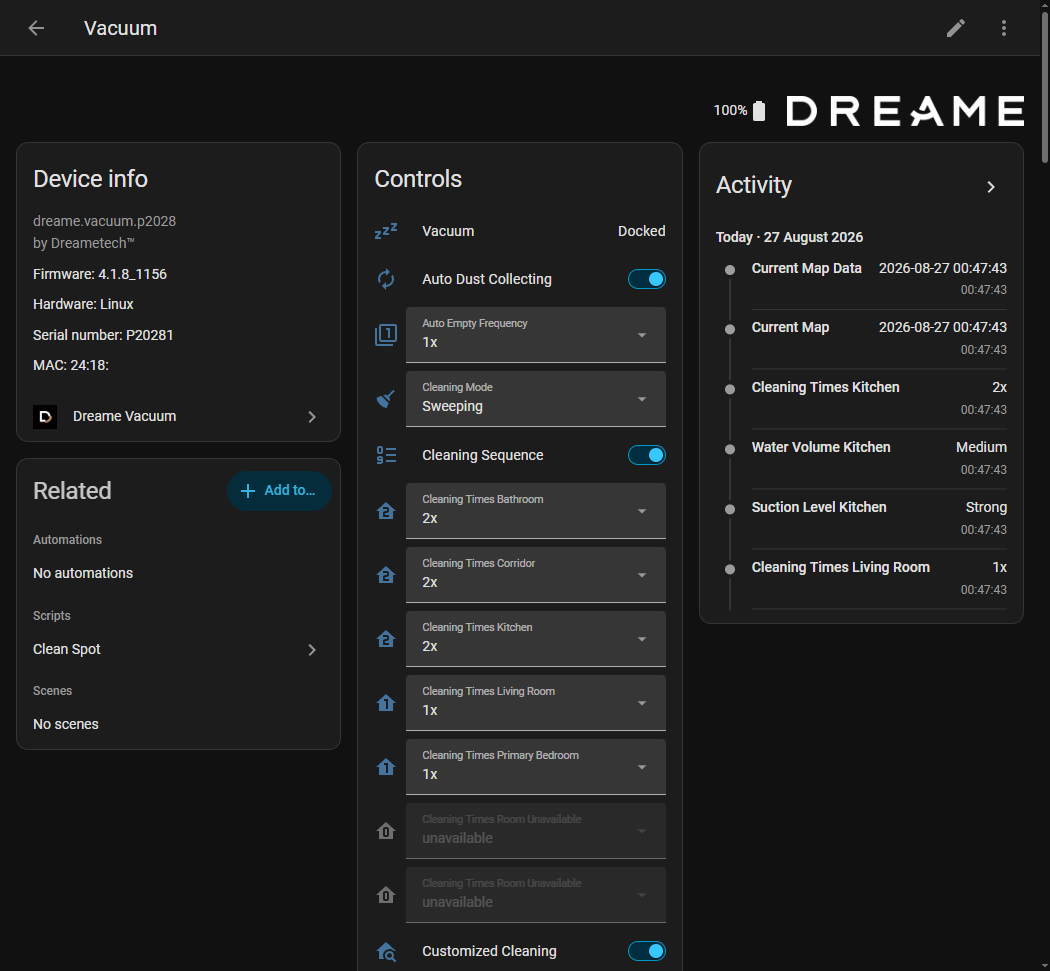
Although there is no built-in frontend support, the integration exports a comprehensive set of platform Entities (such as vacuum, camera, select, and button entities). By combining these entities with community-developed custom Lovelace cards, it is entirely possible to construct a highly interactive, custom UI directly on the dashboard. This approach provides a complete, app-like experience within Home Assistant.

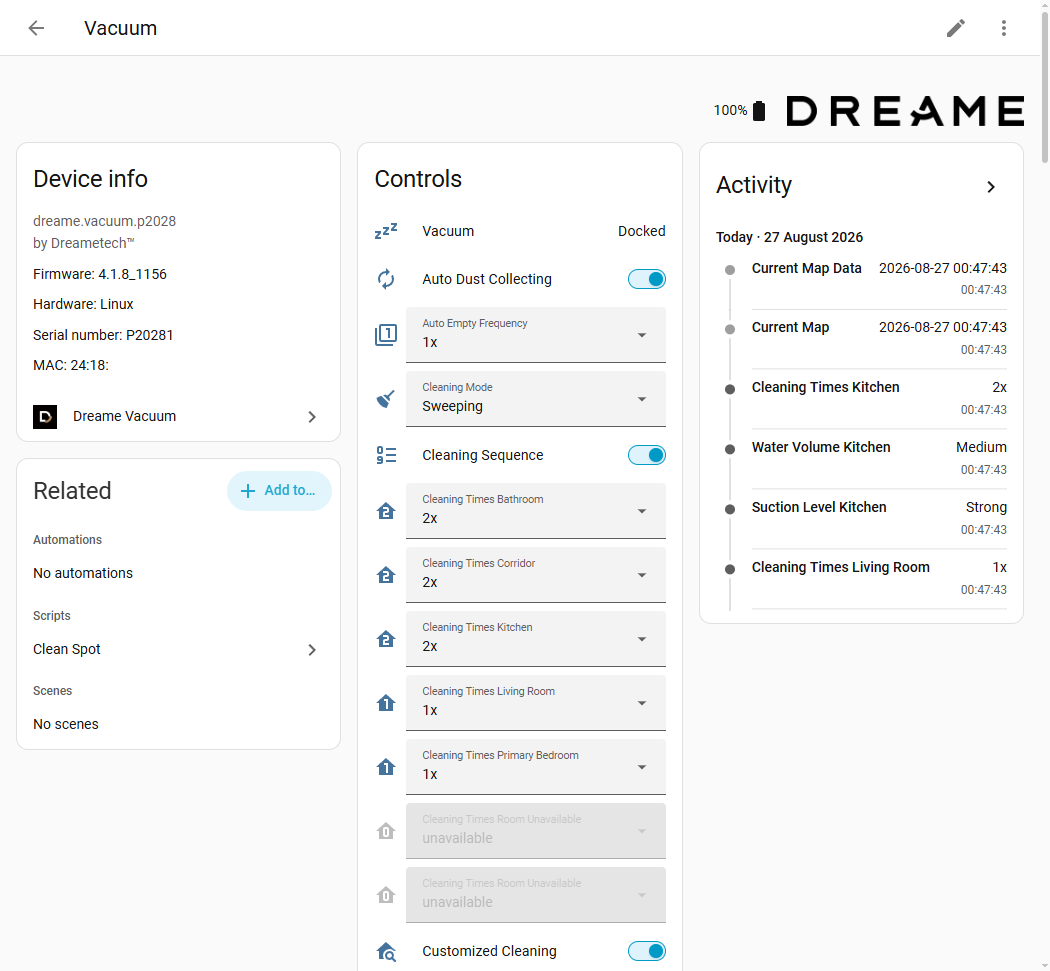
How to UseHow to Use

Additionally, the integration provides dedicated Services and broadcasts custom Events. This allows the robot vacuum to be fully controlled via background automations, enabling complex scenarios that do not require any visual interface at all.

Check These First ​

If not already familiar with Home Assistant, reviewing the following official documentation pages is highly recommended. Because this integration strictly adheres to standard architecture, a solid understanding of these core concepts is essential to fully utilize the integration:

  • Vacuum Entity: Explains the core vacuum component. Understanding this is necessary for interacting with the main device entity, interpreting its states, and using standard service calls (such as starting, pausing, or returning to base).
  • Select, Number, and Button Entities: Details how configuration options and actions are exposed. The integration utilizes dozens of these entities to represent device settings (e.g., suction level, water volume) and perform actions (e.g., resetting consumables, locating the robot).
  • Service Calls: Explains how to execute backend actions with parameters. This concept is crucial for triggering the integration's custom services, such as room-specific or zone-based cleaning.
  • Automations: Explains how to trigger actions automatically. This is required for creating background workflows, such as starting a cleaning cycle when the house is empty based on custom events.
  • Custom Services Recommended: Details the integration-specific service calls that extend standard functionality, allowing for advanced operations such as zoned cleaning and segment-based cleaning. This section provides practical service call examples and payloads for automating these features.