English
Appearance
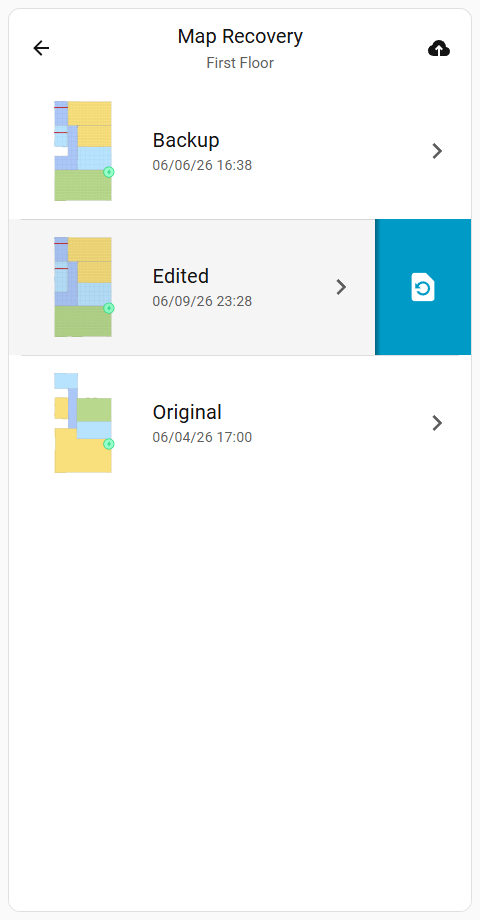
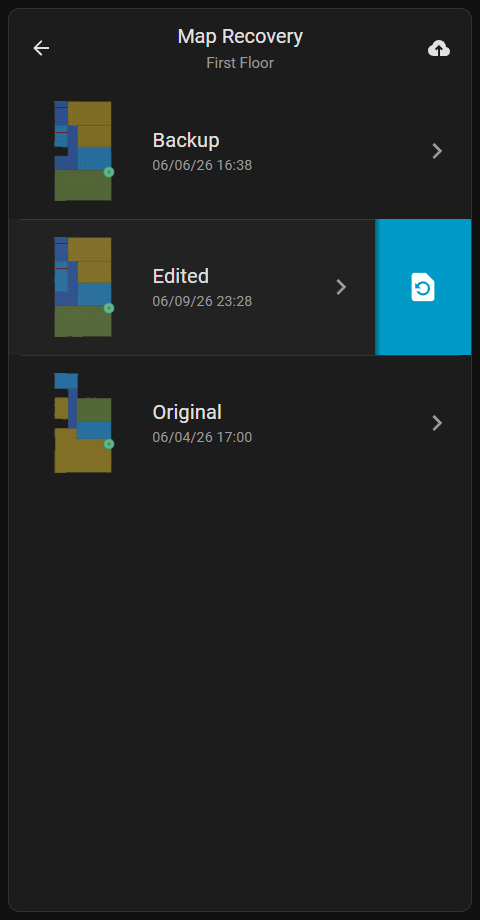
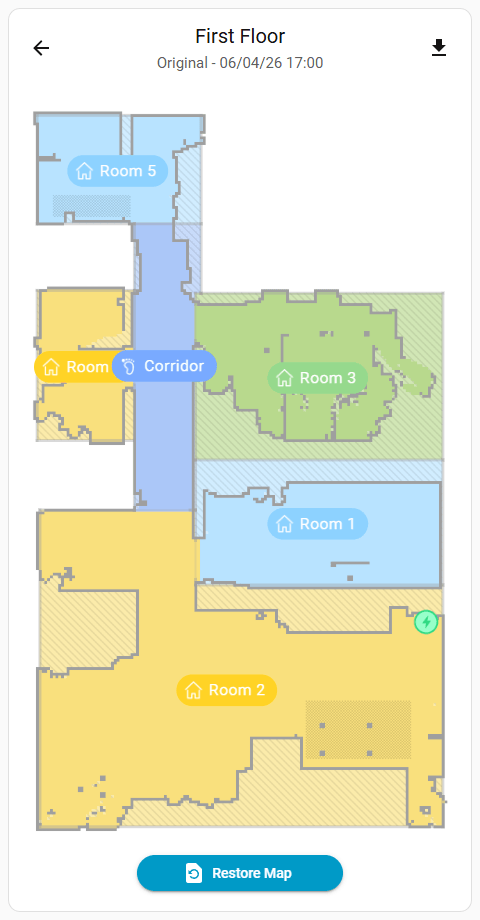
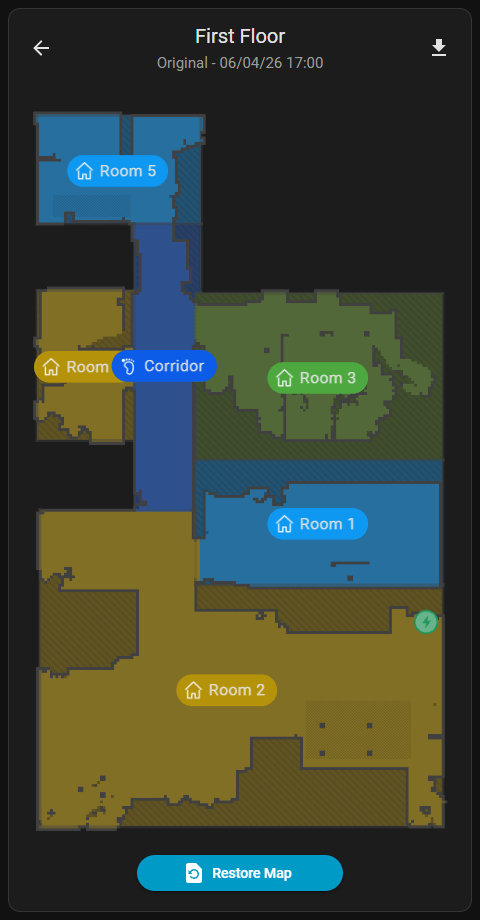
Map recovery can be done using the integration Current Map entity. Saved maps cannot be recovered from the integration because cloud api only overrides the current map data on recovery but integration can render map recovery image with map id and last save time just like the app.
Map recovery images can be displayed via Current Map entity camera proxy.
/api/camera_map_recovery_proxy/{entity_id}?token={access_token}&index={recovery_map_index}&info={info_text}&file={download_file}
camera.{vacuum_name}_map)camera.{vacuum_name}_map entity attributes)TIP
Returns 404 if the requested map does not exists.
Example:
`http://local.homeassistant/api/camera_map_recovery_proxy/camera.vacuum_map?token=5df93cfcf8ecc23fa17b233ca938cc52f41e2b17a46ca291865be3f9ba64d89b&index=1&info=0`Dashboard Example
To see an example of how this endpoint can be used, refer to the Map Recovery Card on the Custom Card Templates page.