
English
Appearance
The integration tracks specific device properties and creates persistent notifications in Home Assistant based on events reported by the device, mirroring the behavior of the official app. This feature can be disabled from the integration options.
Notification Resources
Notification text and resources are dynamically mapped from the official app source. The wording and availability of certain notifications vary depending on the specific model.
Mobile Notifications
Persistent notifications appear exclusively within the Home Assistant dashboard and are not automatically forwarded to mobile devices. For instructions on pushing notifications to a smartphone, refer to the FAQ: Can Notifications Be Pushed to a Phone?.
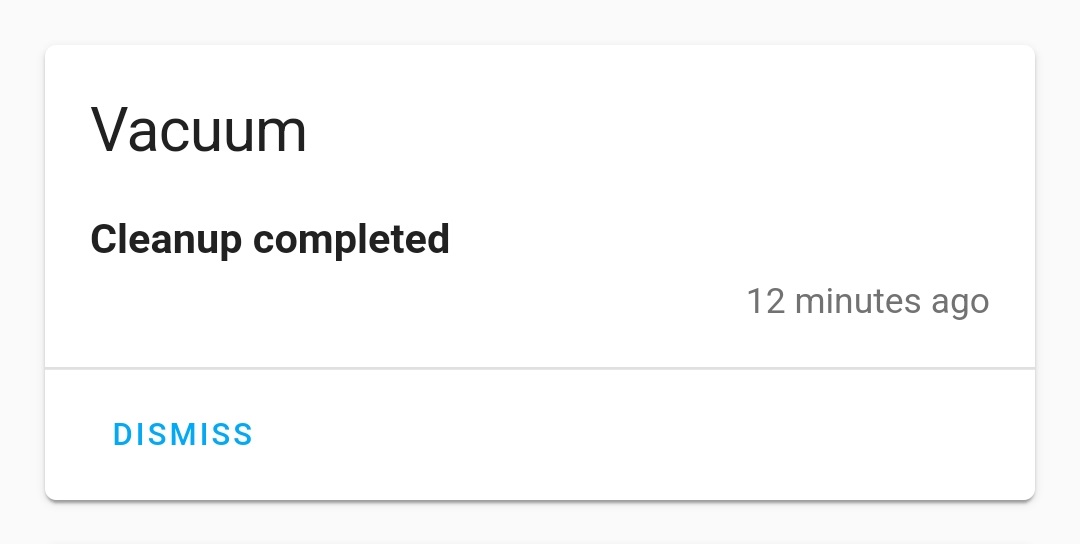
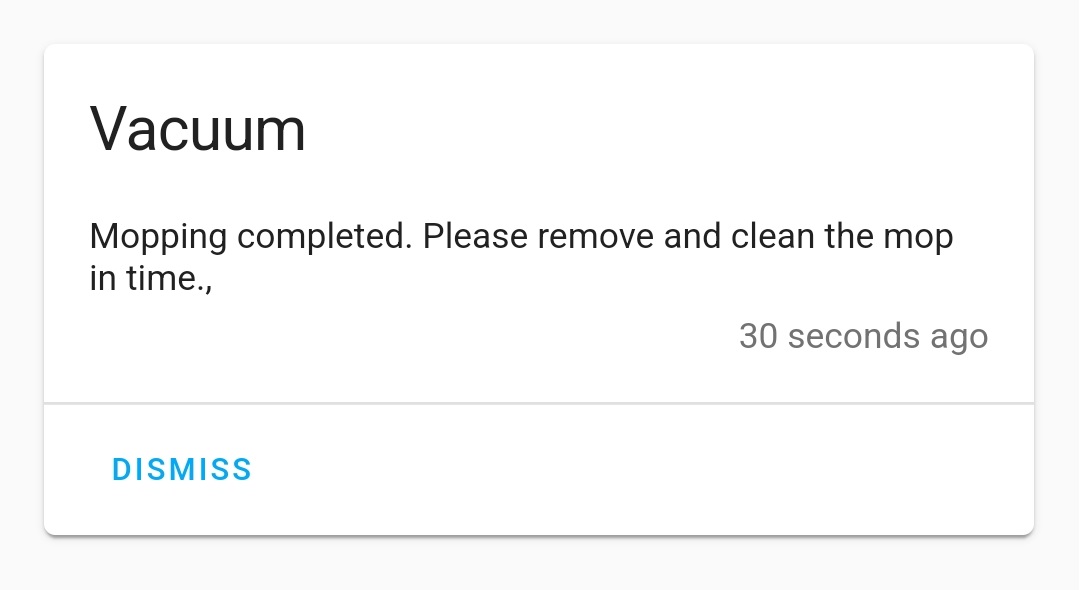
Generated when a cleaning job is successfully completed or canceled.

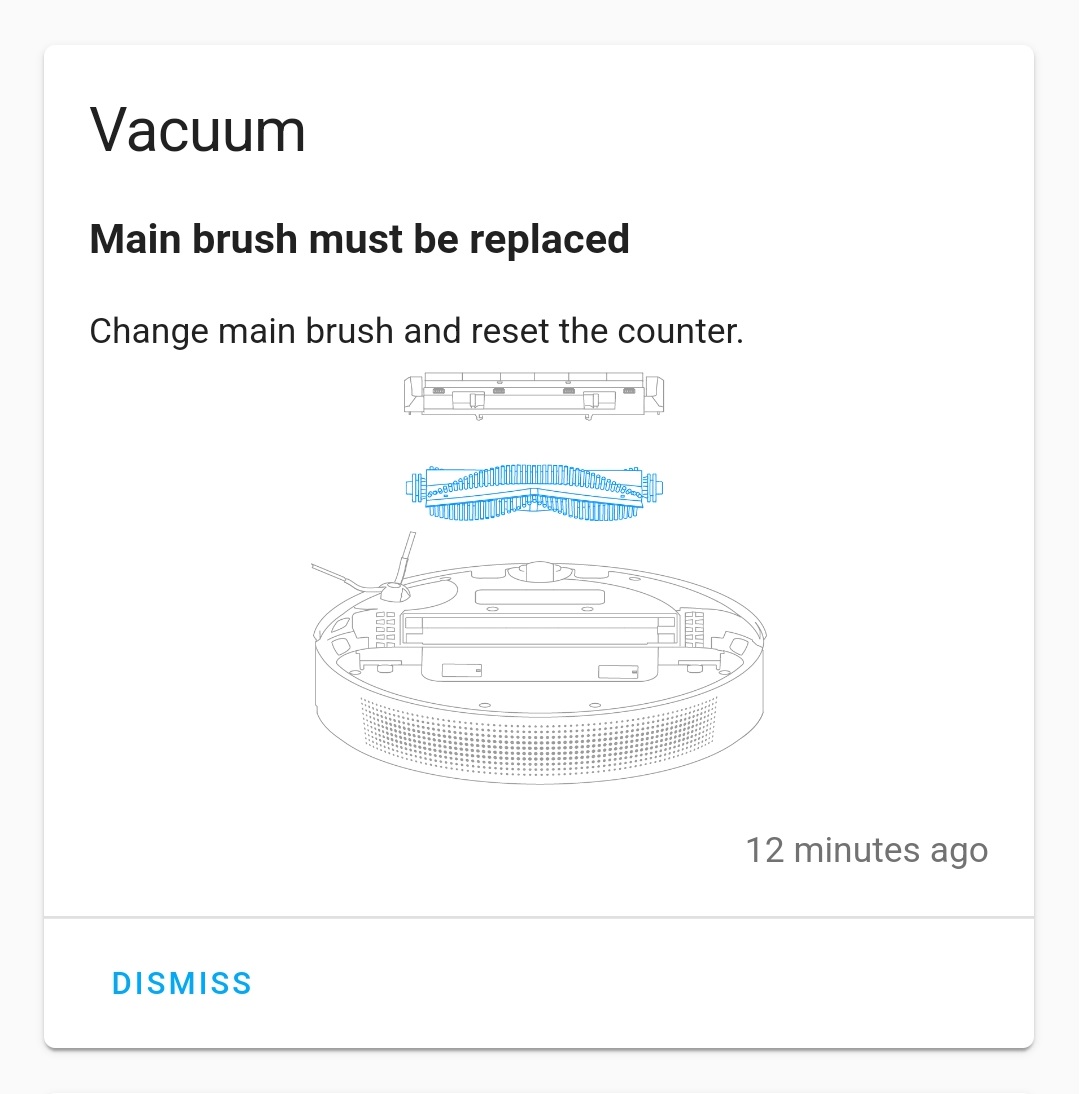
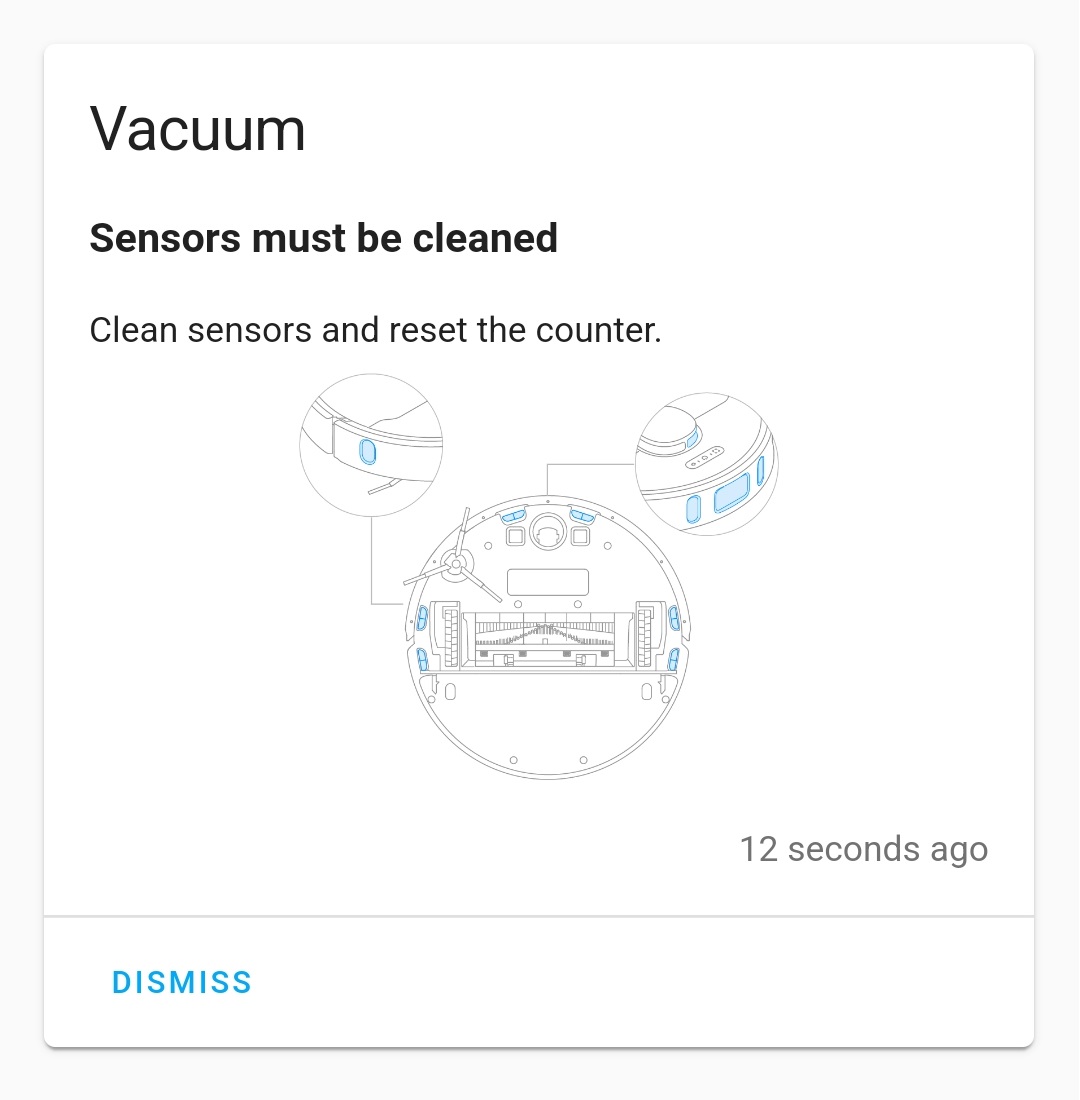
Generated when a consumable's lifespan reaches 0% and requires replacement or maintenance.


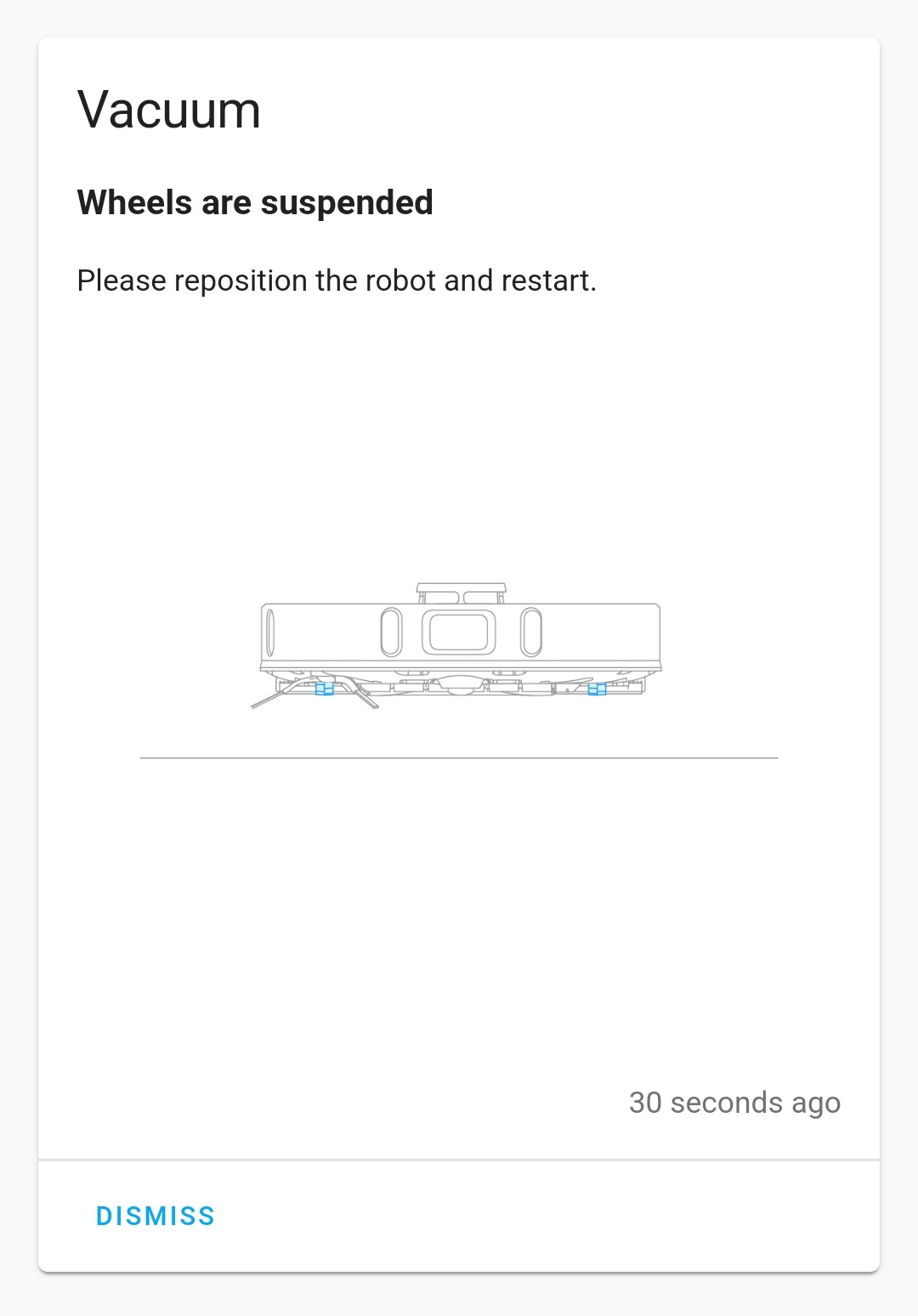
Generated when the device reports a fault code or warning state.


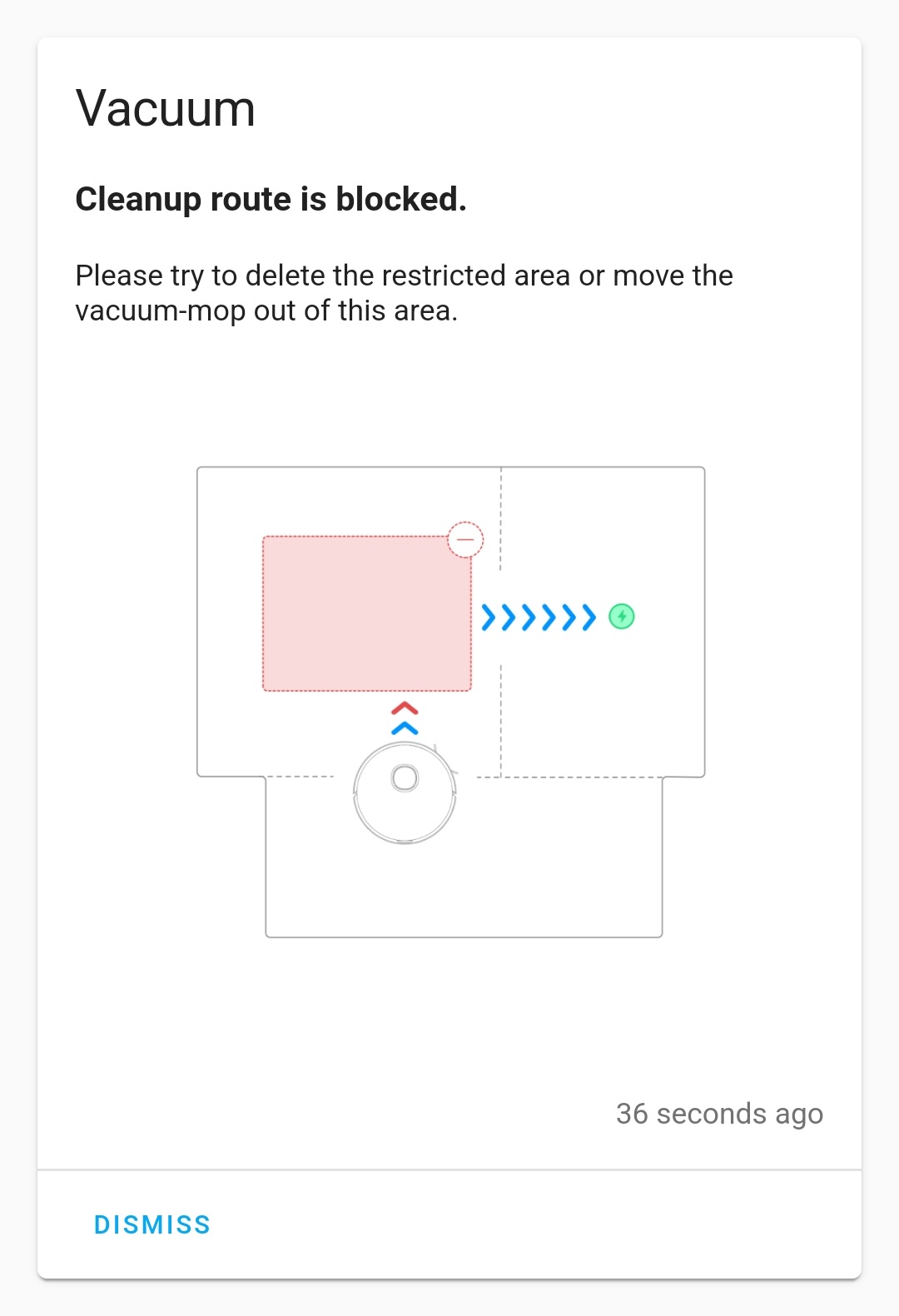
Clearing Warnings
Dismissing a warning notification from the Home Assistant dashboard will actively clear the corresponding warning state on the device.

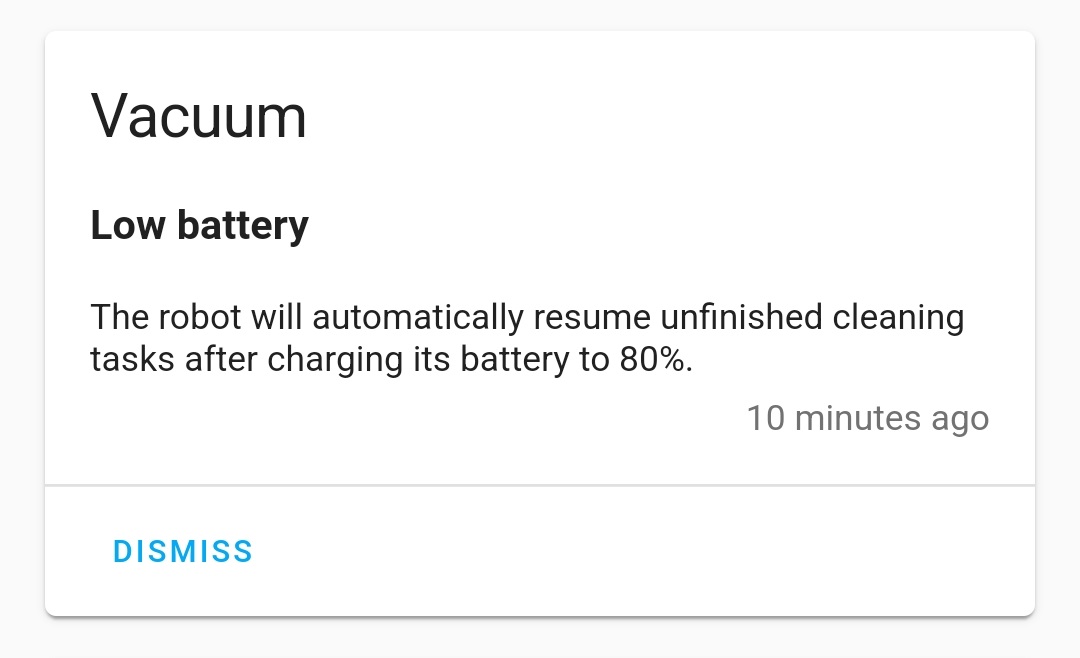
Generated when the resume cleaning feature is enabled and the device pauses the active cleaning job to return to the dock for charging.


Generated when a mapping job is completed but the device cannot automatically store the new map. Map management services are restricted while the device is in this state.

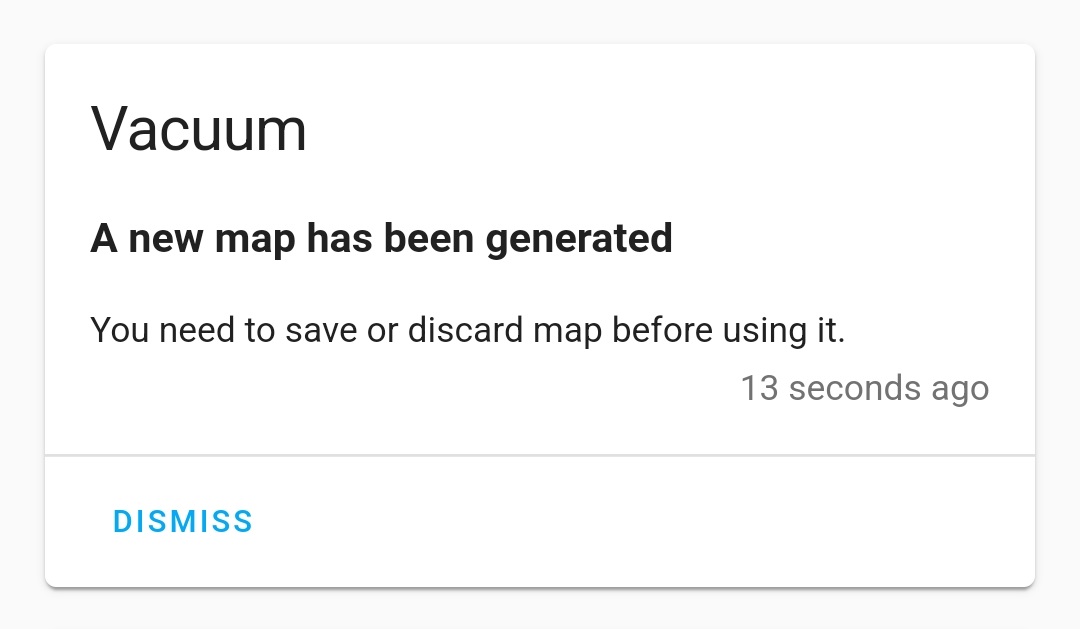

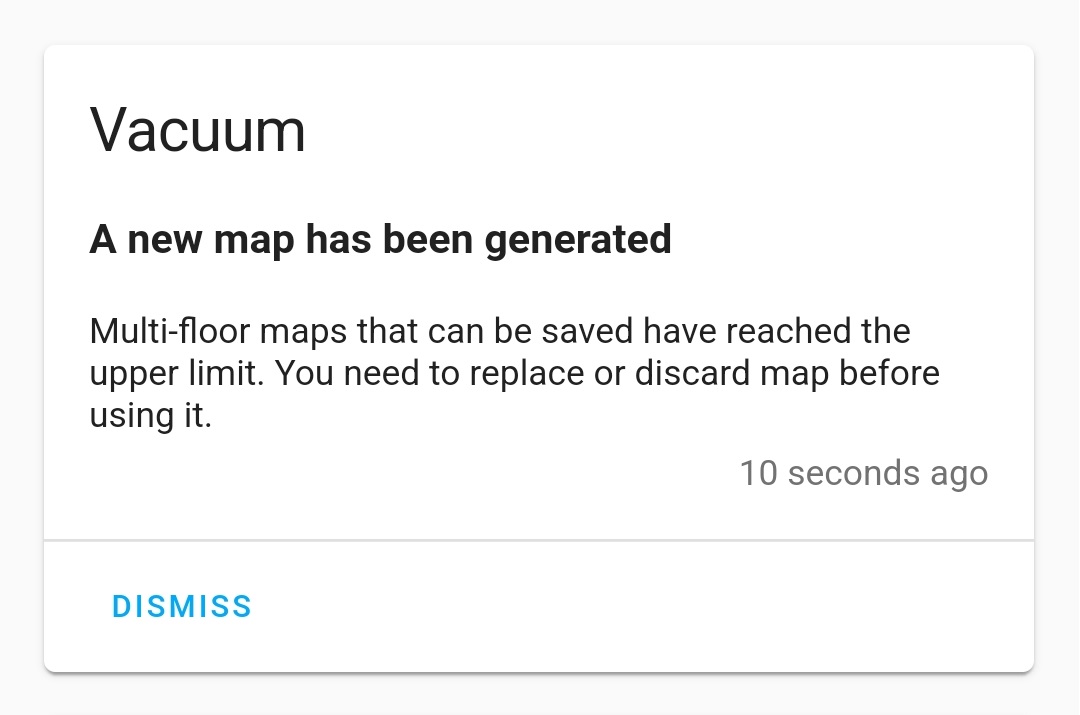
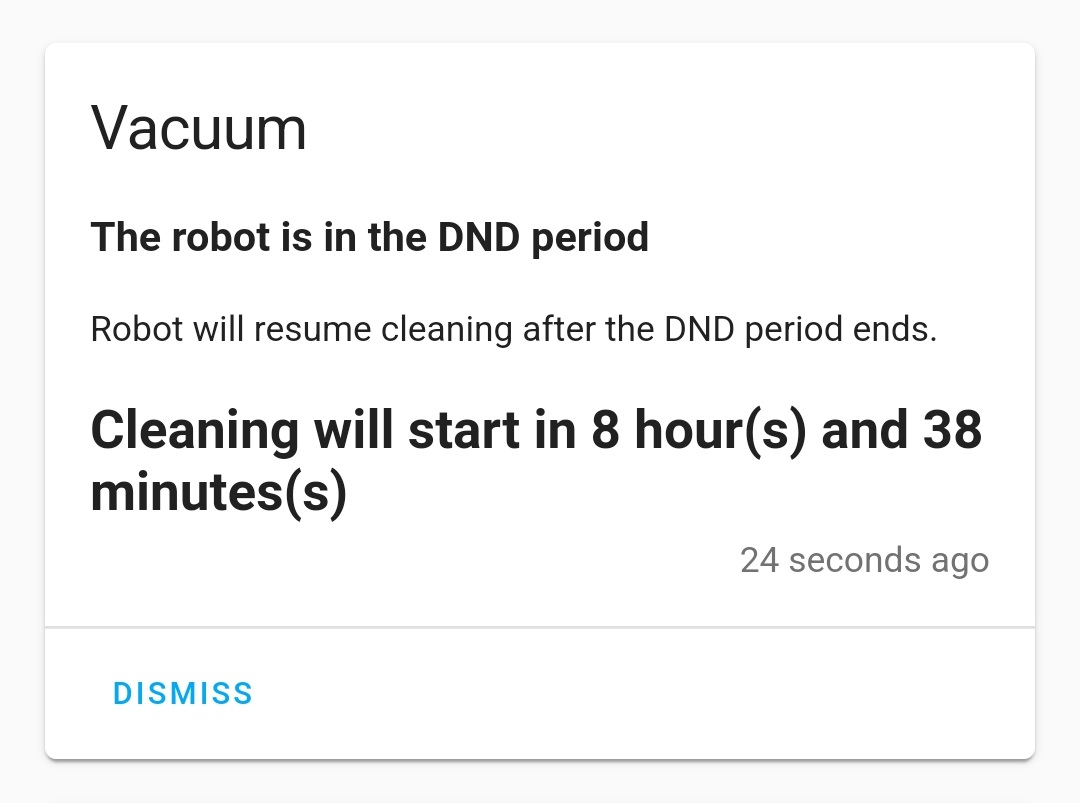
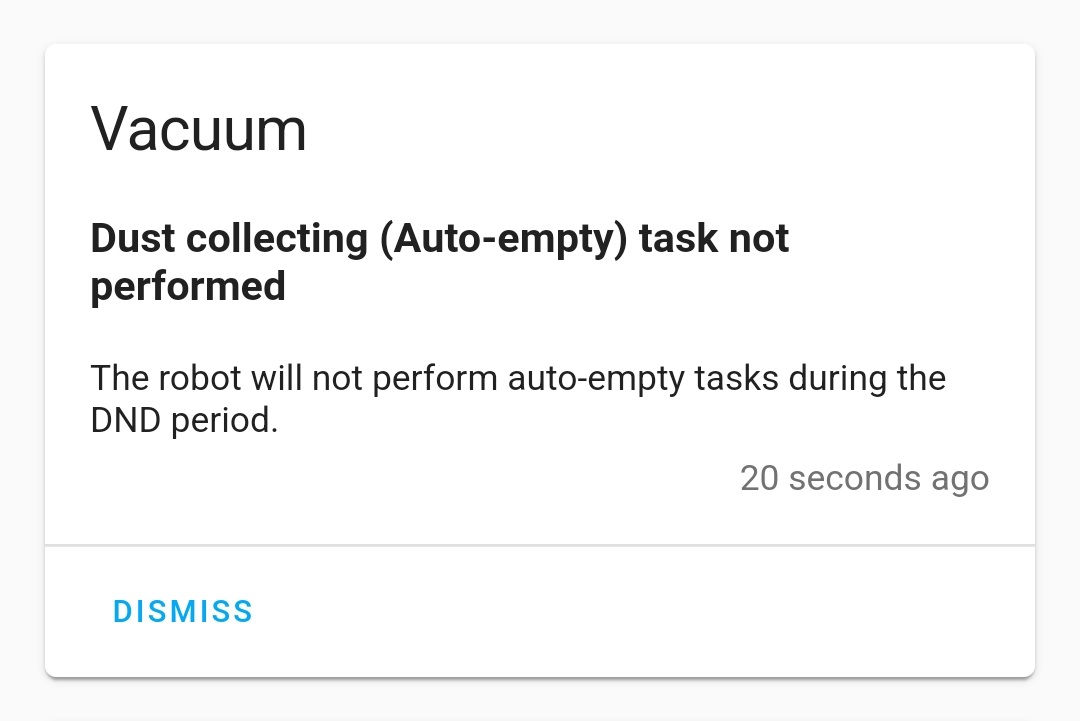
Generated when the auto-empty operation is skipped because the device's Do Not Disturb mode is active.

Generated when the sensor.low_water_warning entity reports a low water condition. This notification indicates the specific cause of the warning, such as a depleted clean water tank or a full dirty water tank on the dock.
Generated based on the state of the sensor.drainage_status entity, reporting the current status or outcome of the dock's water drainage operation.